Dynamic slide reuse
Every slide lives once. Presentations reference slides rather than copying them, so the same approved slide can appear in many decks without duplicating it.


Update the science once. Stay current everywhere.
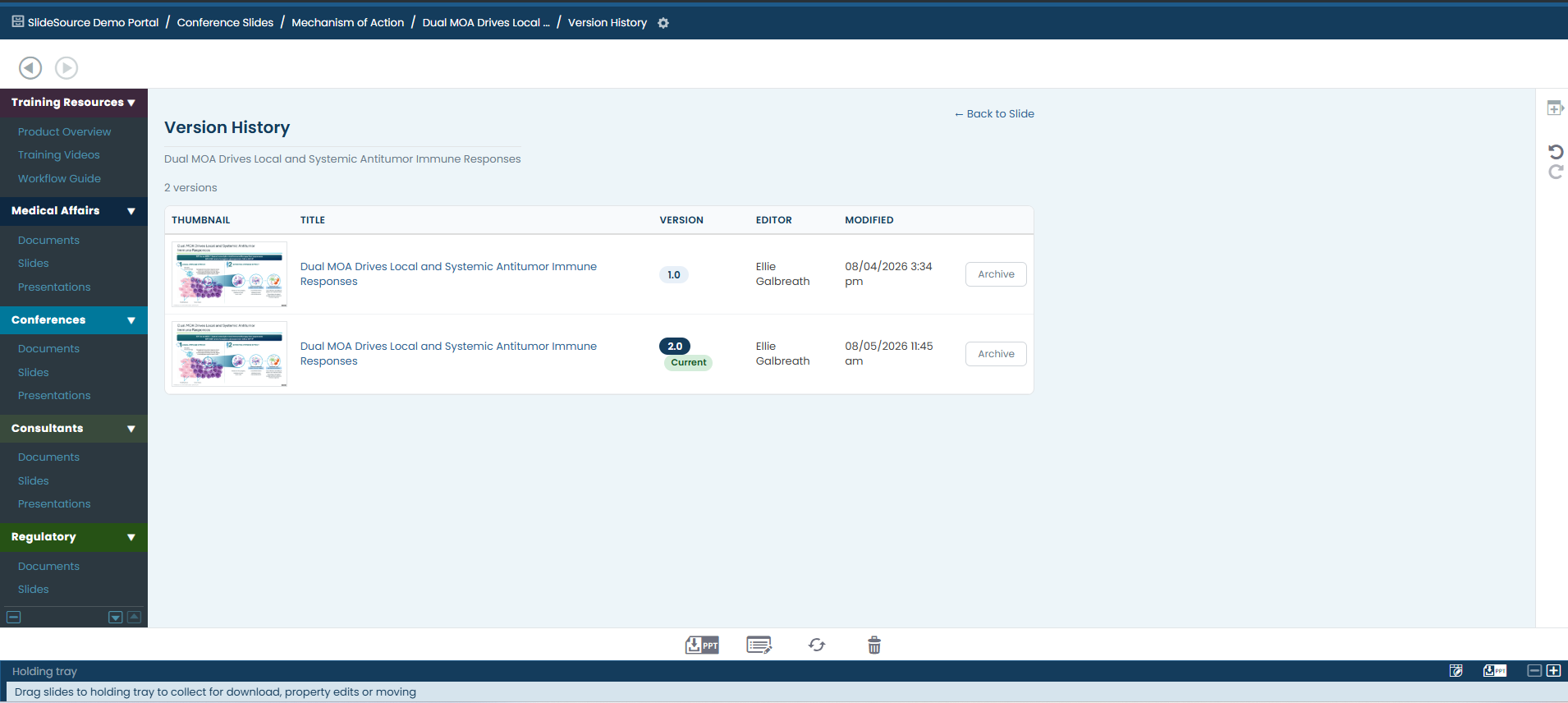
When scientific content lives across dozens of decks, no one is sure which version is approved. SlideSource Library gives every slide a version history and lets presentations reference slides rather than copy them, so an update propagates instead of leaving stale copies behind.
Duplicated decks, emailed copies, and last-minute edits make it almost impossible to know which version of a slide is current and approved. When the data changes, the old versions don’t change with it.
Because presentations reference slides instead of copying them, a single approved slide can power many decks. Update it once and every deck that uses it stays current, with the full history of what changed preserved behind it.
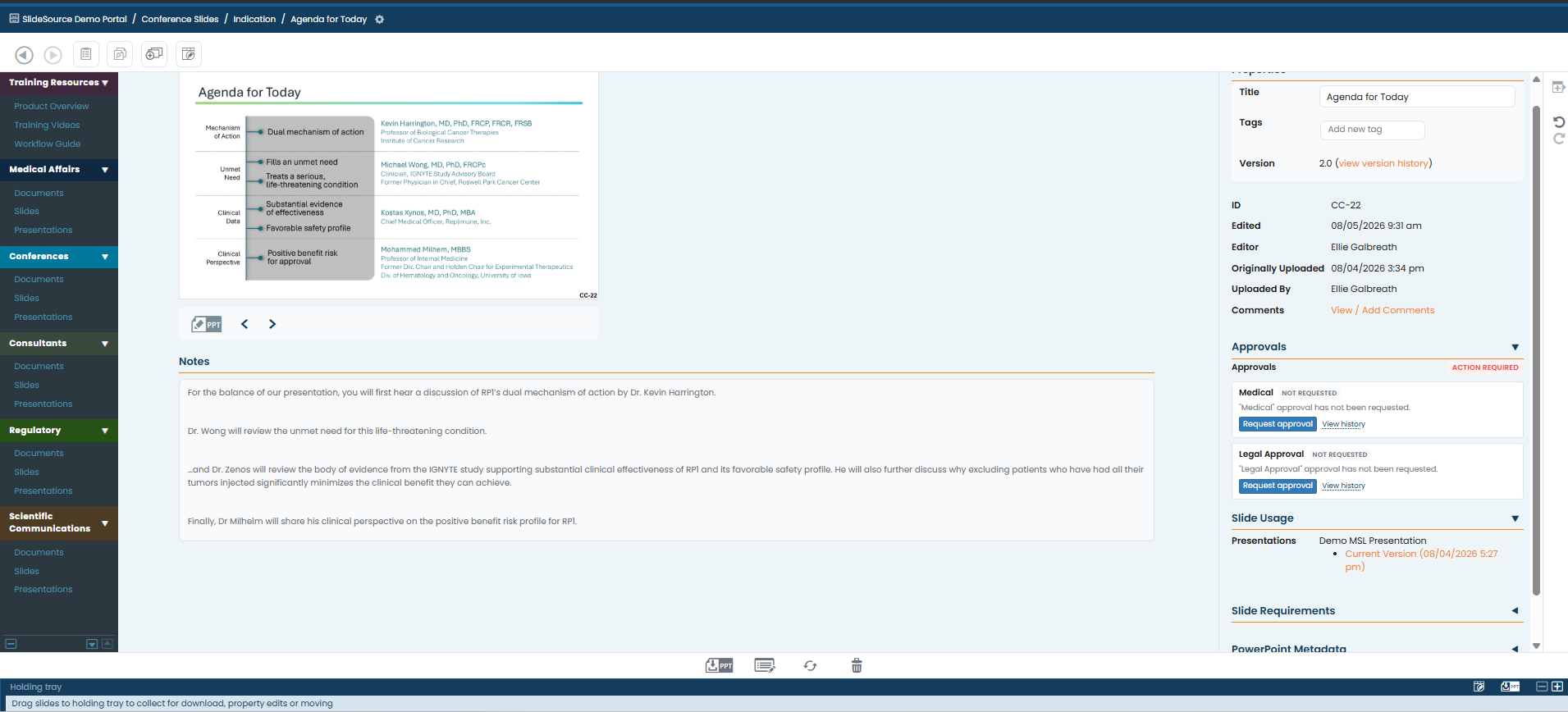
Every slide lives once. Presentations reference slides rather than copying them, so the same approved slide can appear in many decks without duplicating it.
Every change to a slide is captured, so teams can see what changed, when, and roll back to an earlier approved version if needed.
Update the science once and every presentation that references the slide reflects it. No hunting through dozens of decks to fix the same chart.
Identify presentations already downloaded into the field that contain outdated slides, so you know exactly where older versions are still in use.
Copying a slide into a new deck creates a dead end. When the data changes, the copy doesn’t, and no one tracks where the copies live or which version each one holds.
Decks reference the source slide instead of copying it. Update the source once and every deck that references it reflects the change. Every reference stays known and traceable.
One update flows through every deck that references the slide, and surfaces the ones already in the field.
Edit the slide once in the governed library.
The change runs through your configured review and approval.
Every presentation that references the slide now shows the current version.
The full history of what changed, when, and by whom is preserved.
Presentations already downloaded into the field that still hold the old version are identified.
Update a platform deck once and trust that every downstream deck reflects it.
See which field decks contain slides that have changed, and reach the right people.
Compare versions and see exactly what changed, when, and by whom.
Every slide has a full version history, and presentations reference slides rather than copying them. Updating a slide once keeps every referencing deck current, while the version history preserves what changed and when.
vCheck identifies downloaded presentations that contain outdated slides, so teams can see where older versions are still circulating after the science has been updated.
Yes. Full version history means an earlier version of a slide can be reviewed and restored when needed.
Already using SlideSource Library? The guide covers how slide versioning works in practice.
Schedule a walkthrough of dynamic slide reuse, version history, and vCheck for decks already in the field.